ULTIMATE GUIDE • GUIDES • PIXEL PRESS
The Ultimate Beginner Gaming Guide: Budget Setups, Cozy Games, Free Games and Smart Play
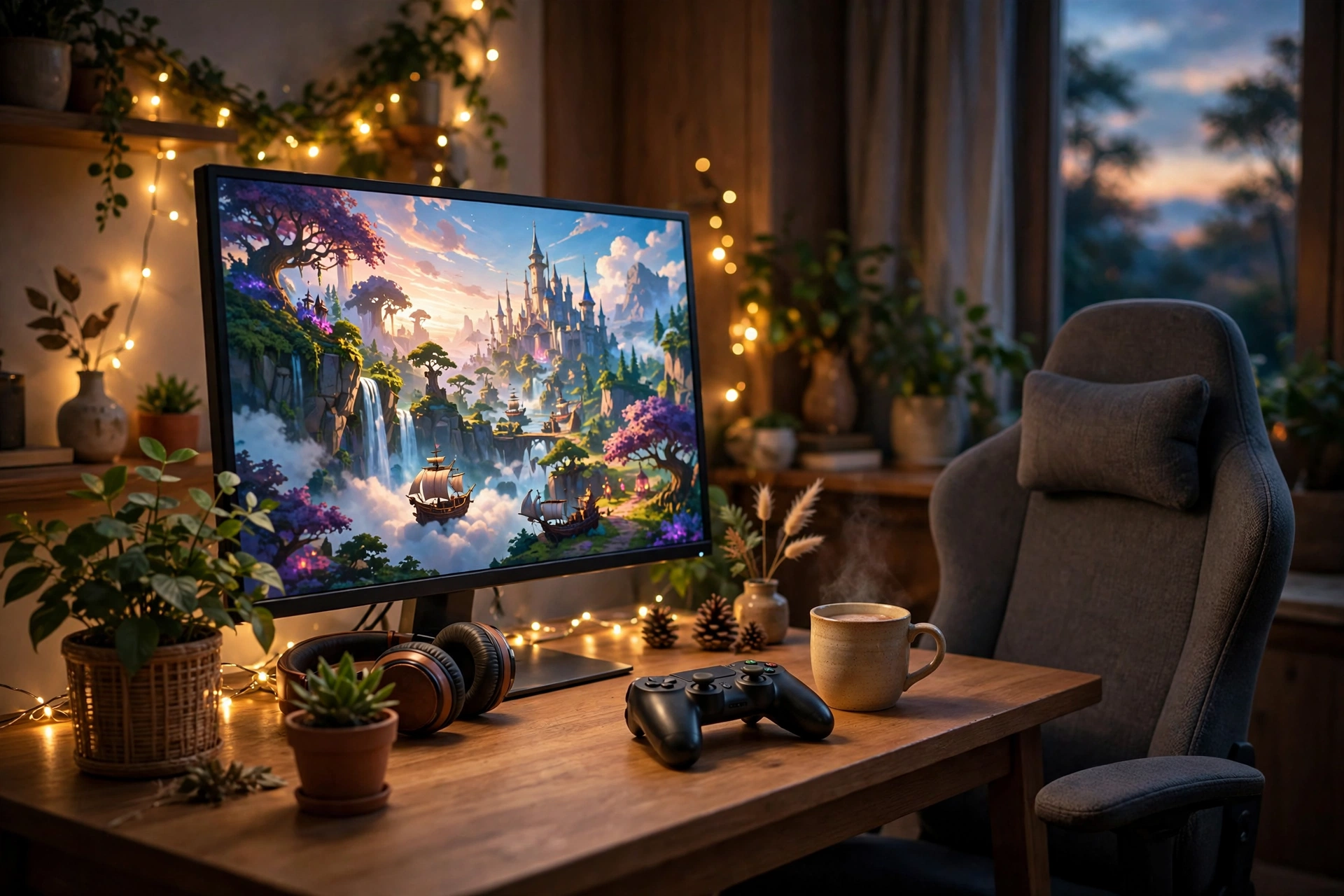
Gaming should be fun from day one, not expensive, confusing or stressful. This is the guide we wish every new player had: one clear, original, beginner-friendly place that brings together everything Pixel Press has written about starting, improving and enjoying games — without hype, without copied lists, and without telling you to buy the most expensive thing first.
Why is this guide better than a quick news post? Because it does not just tell you what is new. It answers the questions new and returning players actually ask: What should I buy first? How do I make my old PC run better? Which games are calm, which are free, and which mistakes should I avoid? And every section links to a deeper Pixel Press post, so you can go further on exactly the topic you care about.
What is in this guide?
- 1. Build a budget gaming setup that actually works
- 2. Boost FPS on a low-end PC without buying anything
- 3. Pick gear that fits you: mouse, headset and phone
- 4. Play great free games without spending anything
- 5. Your first games: survival, simulator and block-building
- 6. Cozy and relaxing games for calmer evenings
- 7. Mobile gaming, battery life and open worlds
- 8. Game codes: how to claim rewards safely
- 9. Your 7-day beginner plan
- 10. 10 beginner mistakes to avoid
- Frequently asked questions
- External resources we trust
- All Pixel Press posts in one place
1. Build a budget gaming setup that actually works
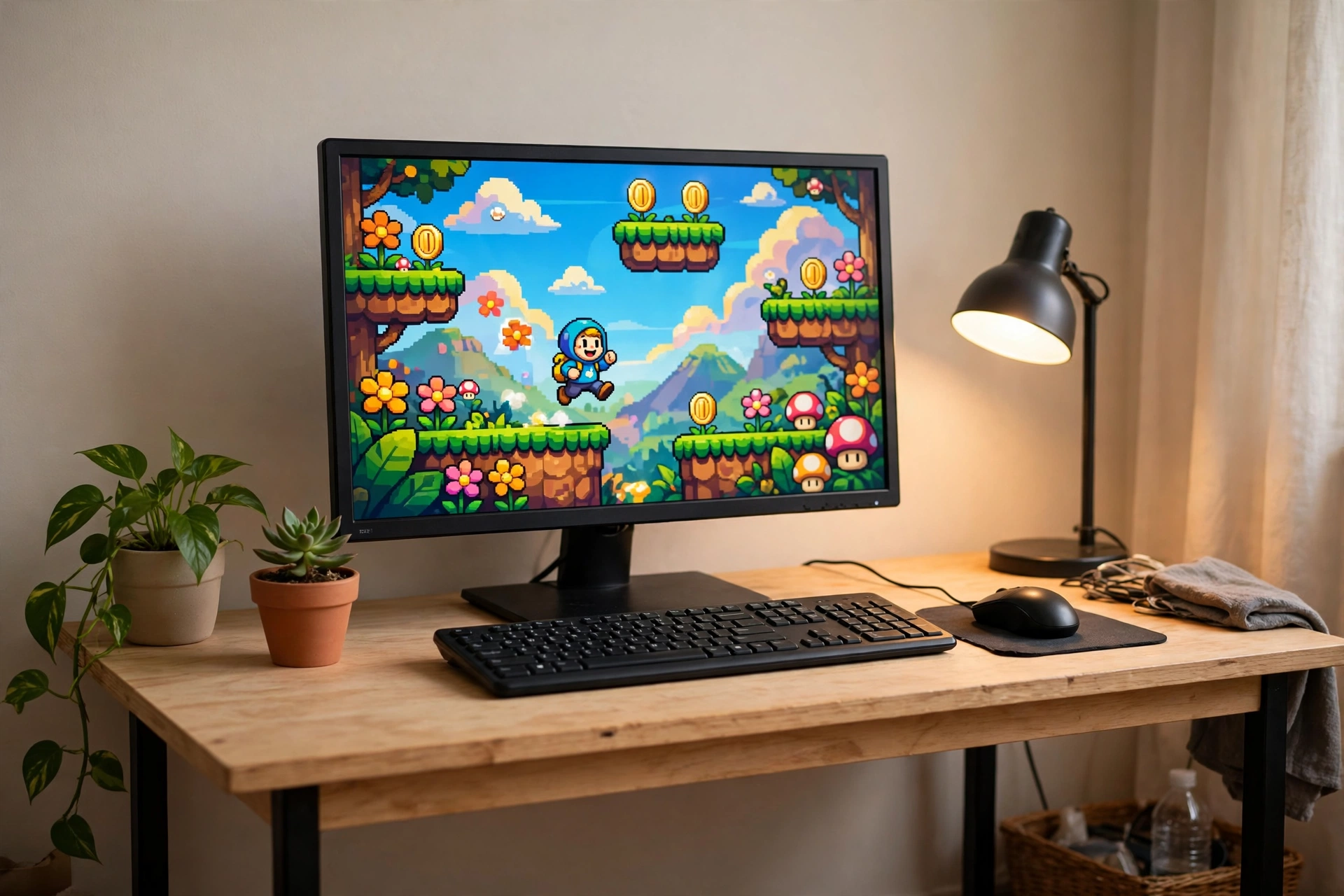
A good setup is not the most expensive setup. It is the setup that lets you play comfortably, see clearly and hear clearly, for hours, without pain or frustration. Start with the three things you touch and use every session: your screen, your mouse and keyboard, and your chair and desk position.
Spend first on a decent monitor and a comfortable mouse and keyboard. A clear, bright screen with a sensible refresh rate matters more than coloured lights. A mouse that fits your hand matters more than a mouse with twenty buttons you will never press. And a chair that supports your back matters more than a racing-style seat that only looks fast.
Your PC or console does not need to be the newest model. Check what your favourite games actually need, not what a shop display says you should want. Many of the most loved games in the world run well on modest hardware, and free and indie games often need far less power than big open-world titles. If you can, buy second-hand where it is safe — a used monitor, a used desk, a used controller from a trusted seller — and save your money for the one upgrade that will change your experience most.
Upgrade one piece at a time. First, fix comfort. Then fix sound. Then fix speed. Lights, extra screens and fancy chairs can come later; they look nice in photos, but they do not make games play better. Read the full guide: How to build a budget gaming setup without overspending.
Budget setup checklist: a screen you can read without squinting; a mouse that fits your hand; a keyboard that feels good after an hour; a headset with clear sound; a chair and desk height that keep your wrists straight; a stable internet connection; and one game you already love, installed and ready.
2. Boost FPS on a low-end PC without buying anything
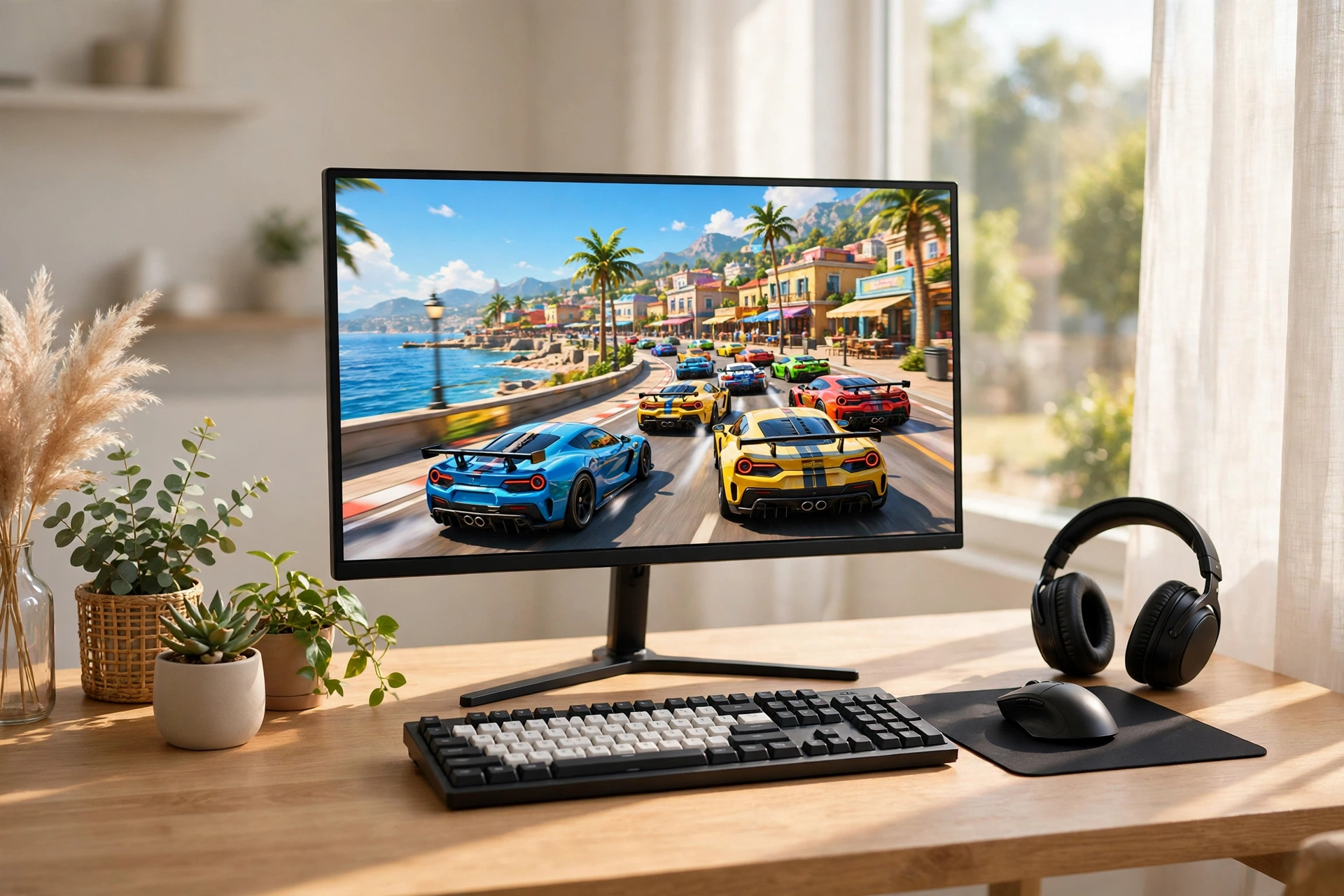
FPS means frames per second — how smoothly a game moves. Low FPS feels choppy and slow. High FPS feels smooth and responsive. Before you spend money on new hardware, try the free fixes first, because in most cases they give the biggest gain.
Lower shadows first. Shadows look pretty, but they are one of the most expensive settings in most games. Turn shadows down, then lower effects and view distance a little, and keep textures at a level your PC can handle. Cap your frame rate at a steady number your PC can actually hold — a steady 30 or 60 frames is far better than a jumping number that swings from 90 to 20.
Close background apps before you play. A browser with twenty tabs, a video call, and a download running at the same time all steal power from your game. Update your graphics drivers, restart your PC before a long session, and keep your game drive from getting completely full. These small habits cost nothing and help every game, not just one.
If a game still struggles, play it at a slightly lower resolution, or choose a lighter game for that PC. There is no shame in that — some of the best games ever made were designed to run on almost anything. Read the full guide: How to boost FPS on a low-end PC without buying anything.
3. Pick gear that fits you: mouse, headset and phone
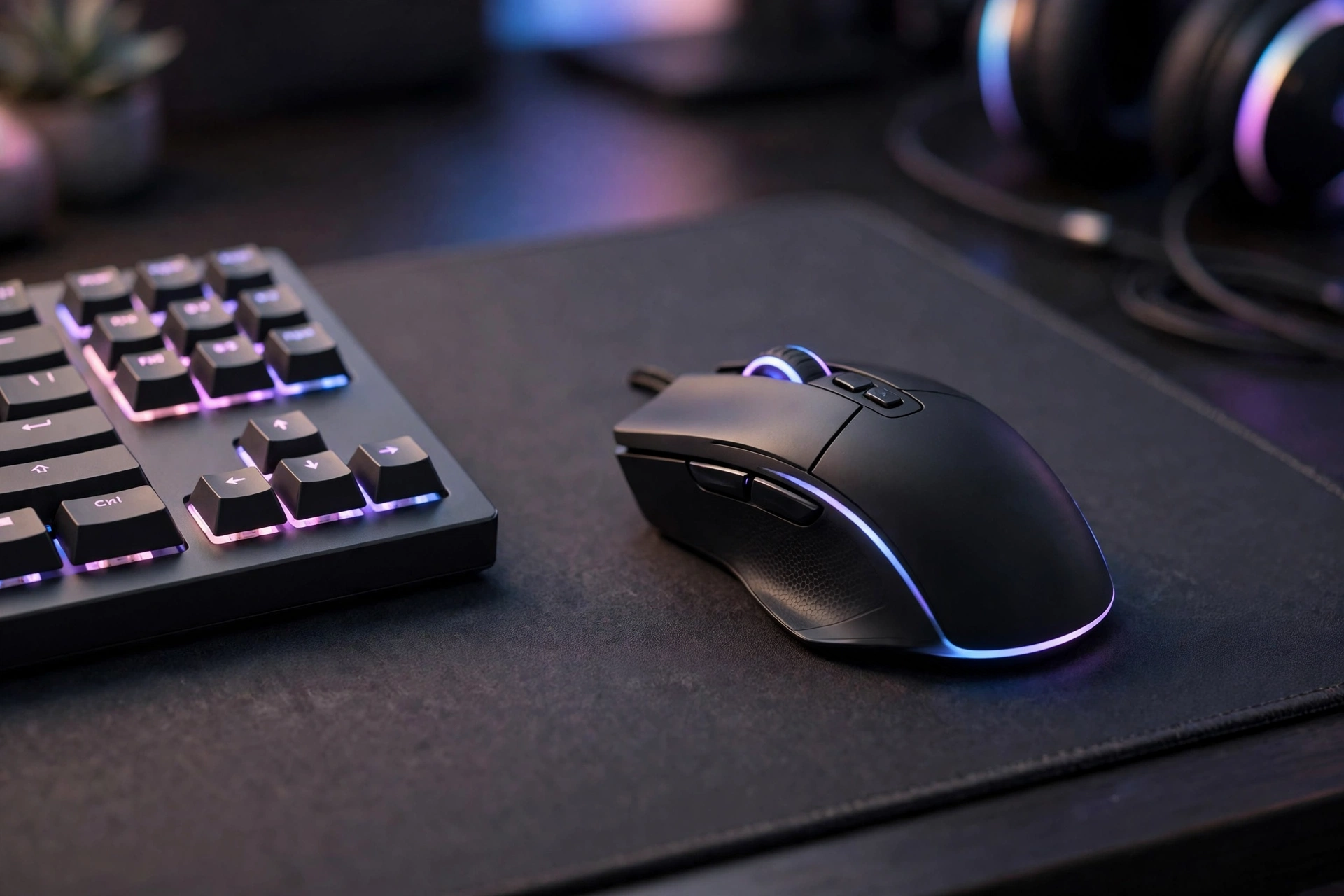
Gear should fit your hands, your head and your desk — not someone else's review score. A mouse that is too big will cramp your hand. A headset that is too tight will hurt after an hour. A phone that overheats will cut your game short. Fit first, features second, price third.
For a mouse, hold it the way you actually play. If your palm rests flat, you need a larger, fuller shape. If you grip with your fingertips, a smaller, lighter mouse will feel better. Weight matters too: a lighter mouse is easier to move quickly, but a very light mouse can feel unstable if you are used to something heavier. Try before you buy when you can, and remember that the best mouse is the one that disappears in your hand, not the one with the brightest lights. Full guide: How to choose a gaming mouse that actually fits your hand.
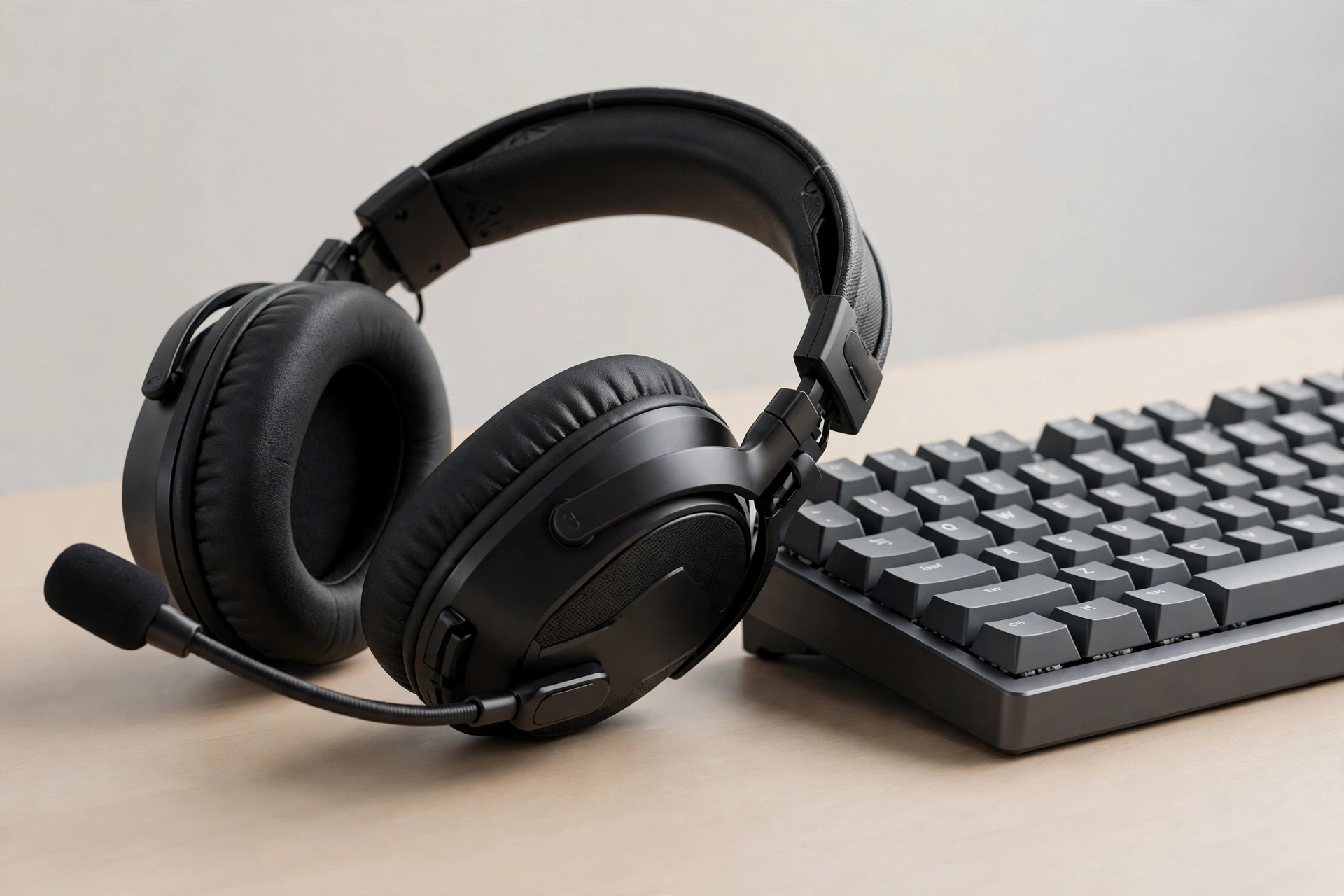
For a headset, choose clear sound and a clear microphone over flashy extras. In our week of testing, a budget headset proved well worth it when you pick comfort, mic clarity and balanced sound over lights and gimmicks — and always check the cable first, because a loose cable ruins more headsets than bad speakers do. Full review: Review: is a budget gaming headset actually worth it?
For a phone, small changes make a big difference to battery life while gaming: turn brightness down a notch, use Wi-Fi instead of mobile data where you can, close apps running in the background, and avoid playing while charging on a hot day. Full guide: How to make your phone battery last longer while gaming.
4. Play great free games without spending anything
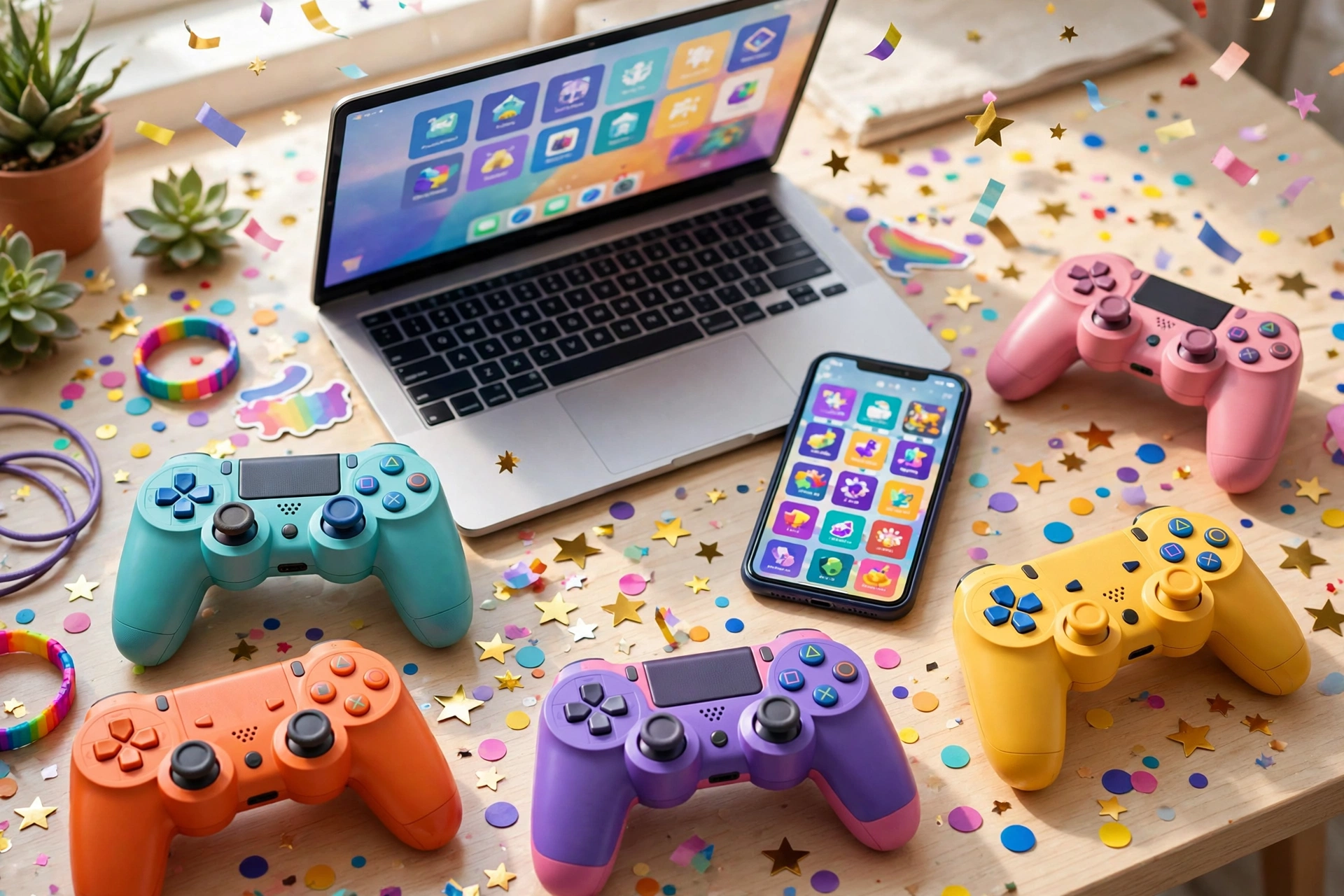
You do not need a big budget to have fun. Some of the most played games in the world are free, and many of the best free games are generous: they give you the full game, not just a demo, and let you pay only if you want extra costumes or convenience.
Pick free games carefully. Ask three questions before you download: Is the full game fun without paying? Does it respect your time, or does it push you to pay every ten minutes? And does it run well on your device? If the answer to the first question is yes and the other two are honest, you have found a keeper. Avoid games that hide the real game behind a paywall, and be careful with in-game shops aimed at children — set spending limits on shared devices.
Free games are also the perfect way to discover what you like. Try a cozy farming game one week, a fast arcade game the next, and a story game after that. You will learn your taste faster by playing five free games than by reading fifty reviews. Good places to start are the free sections on Steam and Epic Games. Full list and tips: Best free games to play right now, without spending anything.
5. Your first games: survival, simulator and block-building
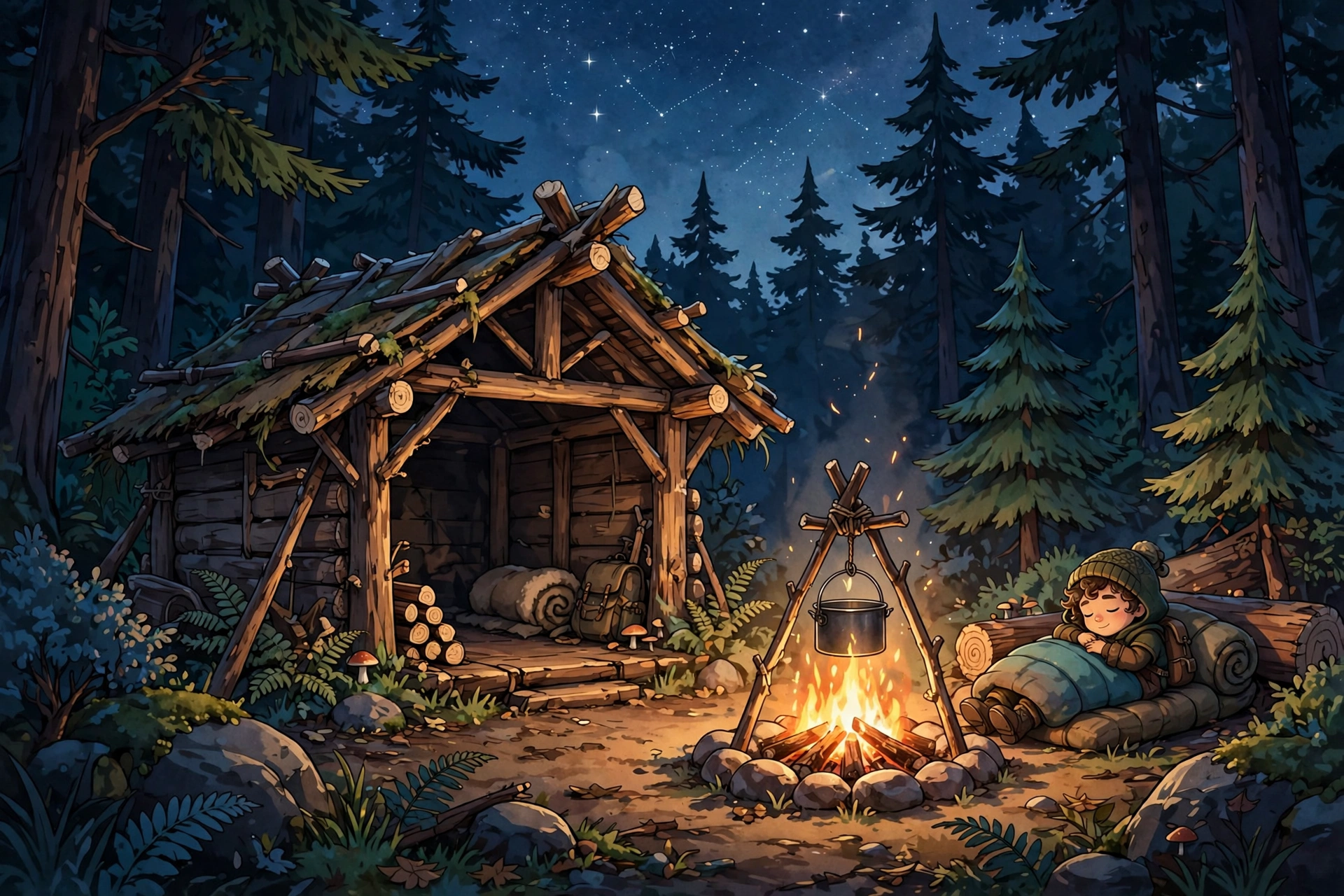
Three kinds of games are perfect for beginners, because they teach you slowly, reward patience, and let you play at your own pace.
Survival games: your first night is the test. Build a shelter before dark, save your food, keep a light handy, and never chase a noise you cannot see. Those five habits will save most new players, and they work in almost any survival game. Once you survive night one, the rest of the game opens up: explore in daylight, learn one new craft at a time, and always keep a way home. Full guide: Beginner's guide: survive your first night in any survival game.
Simulator games: these are about steady progress. Spend early on steady income, save big purchases for multipliers, and rebirth only when the bonus beats what you would earn by waiting. It sounds simple, and it is — but most new players do the opposite, spending everything on a flashy upgrade and then stalling. Patience is the real cheat code here. Full guide: Simulator games: a starter guide to coins, upgrades and rebirths.
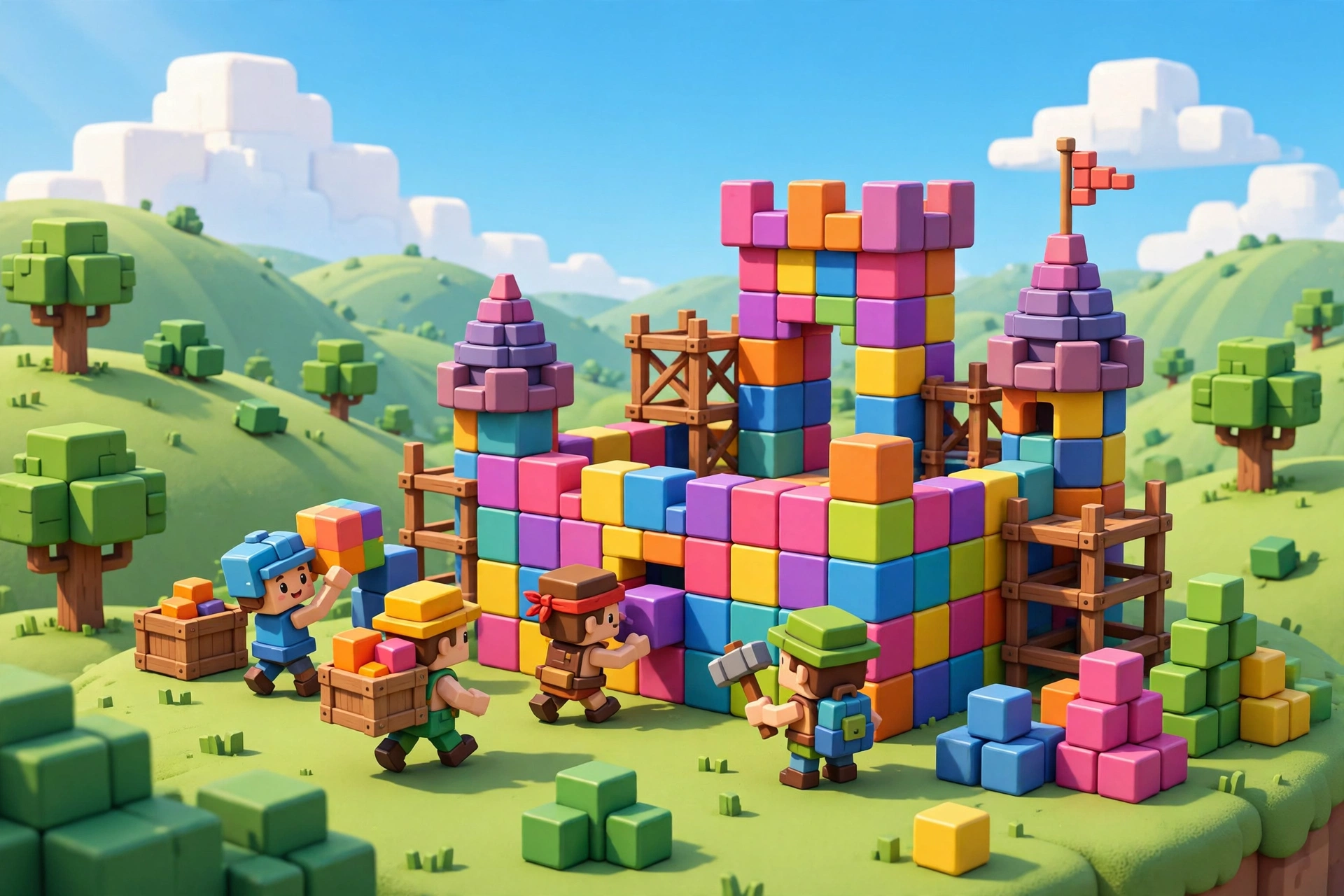
Block-building games: build, explore and play safely. Start with a small base, learn how blocks, tools and crafting fit together, and play with friends or family when you can. For younger players, keep chat settings safe, use private worlds, and agree on play time before you start. A block world is a wonderful first game because there is no single right way to play — building a tiny house is just as valid as building a castle. Full guide: Block-building games beginner guide: first steps, safety and fun.
6. Cozy and relaxing games for calmer evenings
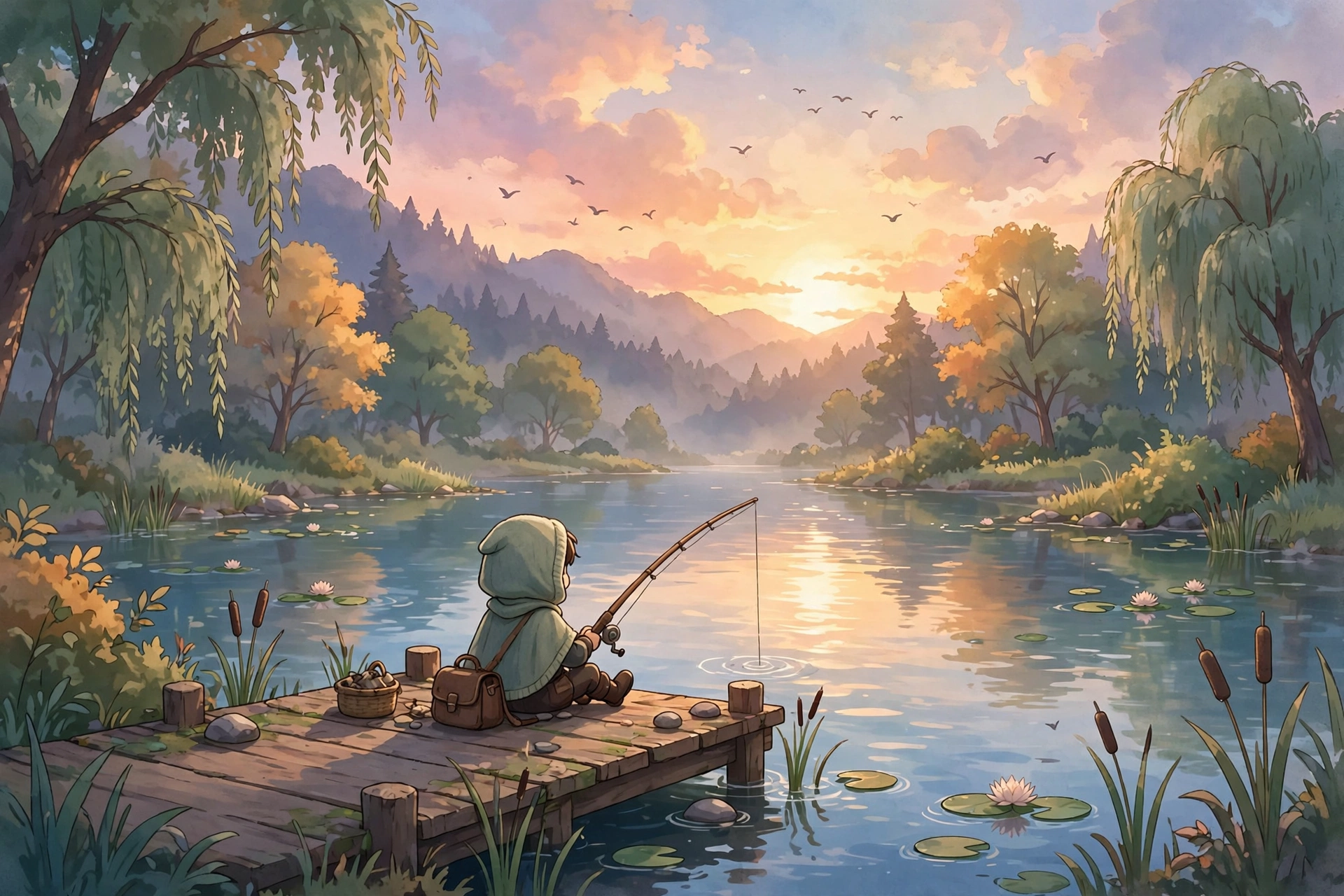
Not every game needs to be intense. Some of the best evenings in gaming are calm ones: warm light, a gentle game, and an hour that leaves you rested instead of wired. Cozy games are about farming, decorating, exploring and small stories, not timers, leaderboards or pressure.
To make an evening calmer, set the scene first. Lower the room lights, pick a game with no fail state or a forgiving one, and give yourself a clear end time. Play one session, not five, and stop while you are still enjoying it — that way you will look forward to tomorrow instead of feeling drained tonight. A short, warm indie game can leave a bigger impression than a hundred-hour epic, because it respects your evening and ends well. Our review of one such small game says it plainly: short, warm and clever, well worth your evening. Full review: Review: a small indie game with a big heart.
For pure unwinding, look for games with no timer and no pressure: farming, fishing, decorating, walking and gentle puzzles. They are perfect after a long day, for new gamers who dislike combat, and for anyone who wants games to be a rest, not another job. Full guides: Cozy gaming: how to make your evenings calmer and more fun and Top relaxing games for stress-free evenings.
7. Mobile gaming, battery life and open worlds
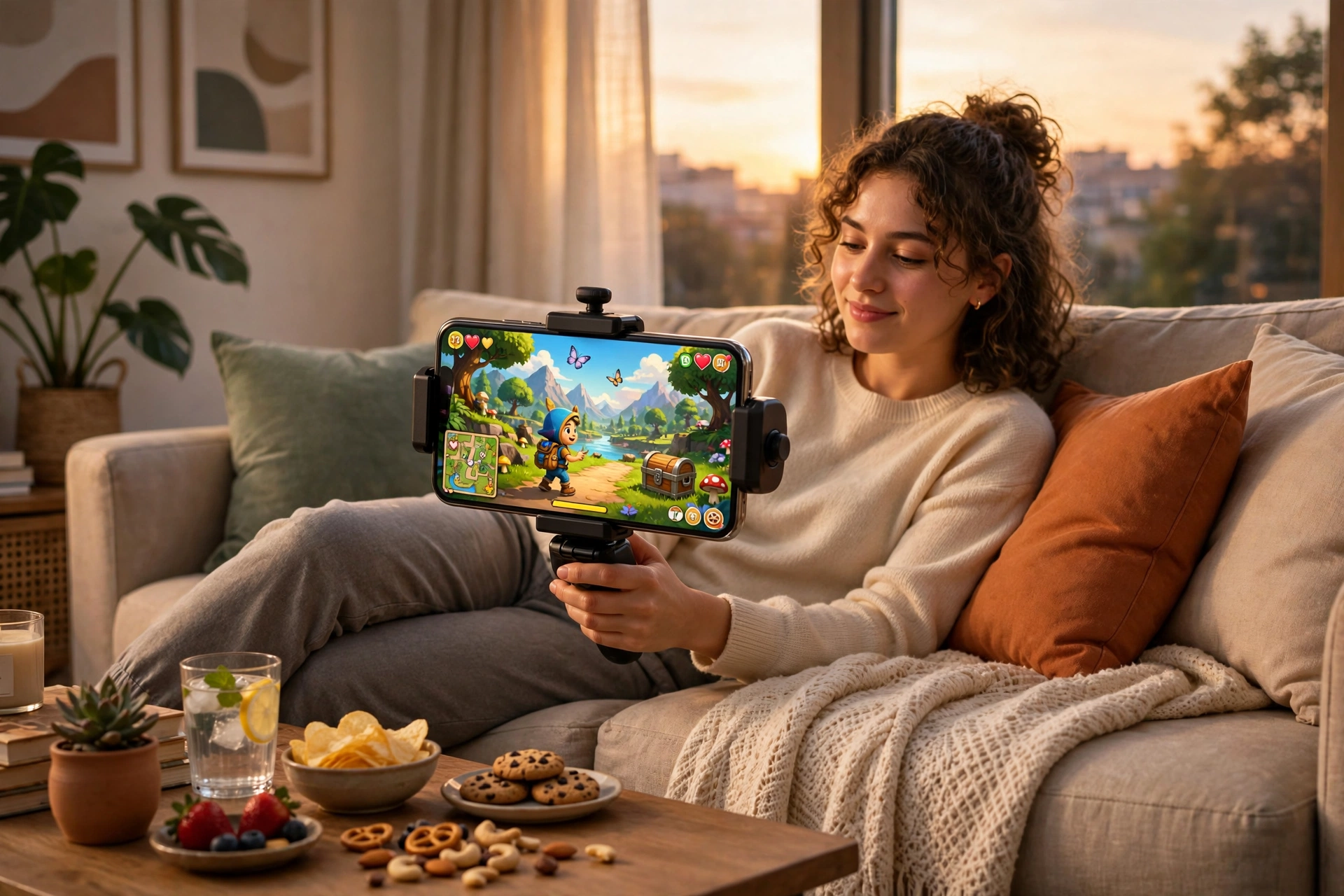
Mobile gaming keeps growing, and controllers are catching up. More phones, better chips and cheaper clip-on controllers mean mobile games are starting to feel a lot closer to console games than they used to. If you play mainly on a phone, a simple clip-on controller can change everything: your thumbs stop covering the screen, your aim gets steadier, and long sessions feel far more comfortable. Full story: Mobile gaming keeps growing — and controllers are catching up.
Open-world games, meanwhile, are getting smarter, not just bigger. Instead of endless empty maps, new games are filling smaller worlds with better quests, sharper characters and more reasons to explore every corner. For a beginner, that is good news: you do not need to finish a giant map to enjoy an open world. Pick one region, follow one story, and explore at your own pace. Full story: Open-world games are getting smarter, not just bigger.
8. Game codes: how to claim rewards safely
Game codes can give you free coins, costumes and boosts, but fake code lists are everywhere. The rule is simple: use codes only from the game's official pages or from trusted guides that tell you when a code was checked, and never enter your password on a “free rewards” site.
To claim a code, open the game, find its redeem or codes menu — usually in settings or on the main screen — type the code exactly, and claim it in-game. If a code says “expired” or “invalid,” it probably is: codes expire, and old lists are rarely cleaned up. Our weekly round-up explains where to enter codes, which rewards are actually worth it, and how to spot fake lists before they waste your time. Full guide: Free reward codes to claim this weekend.
9. Your 7-day beginner plan
Day 1 — Set up: arrange your screen, mouse and chair for comfort. Install one free game you like the look of. Play for one hour, no more.
Day 2 — Tune up: close background apps, update drivers, and try the free FPS fixes on your PC or the battery tips on your phone.
Day 3 — Learn one game: pick a survival, simulator or block-building game and learn its first five habits. Do not try to master everything at once.
Day 4 — Try calm: play a cozy or relaxing game in the evening. Notice how you feel afterwards compared with a fast, competitive game.
Day 5 — Try free: try two new free games for thirty minutes each. Keep the one you want to play again, delete the rest.
Day 6 — Gear check: test your mouse grip, headset comfort and phone battery. Note one small upgrade that would actually help — not the most expensive one, the most useful one.
Day 7 — Plan your week: choose two games to focus on, set a play-time limit you can keep, and write down one thing you want to learn next, like surviving night two, or finishing a small build.
10. 10 beginner mistakes to avoid
- Buying the most expensive gear before you know what you like.
- Playing on maximum graphics on a PC that cannot hold them, then blaming the game.
- Leaving twenty browser tabs and downloads running while you play.
- Spending all your in-game coins on the first flashy upgrade.
- Chasing every noise, quest or enemy on your first night in a survival game.
- Playing competitive games late at night and wondering why you feel wired.
- Trusting every “free codes” site that asks for your password.
- Judging a game in the first ten minutes, before it teaches you how to play.
- Skipping breaks, water and a comfortable chair — then playing in pain.
- Comparing your setup or skill to streamers who play full-time for a living.
Frequently asked questions
Do I need an expensive PC to start gaming? No. Start with what you have, use the free performance fixes, and play free and indie games that run well on modest hardware. Upgrade one piece at a time, only when you know what is holding you back.
What is the best first game for a complete beginner? A calm, forgiving game with clear goals: a cozy farming game, a block-building game, or a short story game. Avoid highly competitive games until you are comfortable with the controls.
How do I boost FPS for free? Lower shadows first, cap your frame rate at a steady number, close background apps, and update your drivers. See the full FPS guide linked above.
Are free games really free? Many are. The full game is free, and paying is optional, for costumes or convenience. Avoid games where progress stops unless you pay.
Are game codes safe? Codes from official game pages are safe. Never enter your password on a rewards site, and ignore lists that promise unlimited coins.
How much should I play each day? There is no single right number. One focused hour you enjoy beats three tired hours you do not. Set a limit, take breaks, and stop while you are still having fun.
External resources we trust
Good SEO articles link out, not just in. These external sites are useful, official or well-established places to check facts, ratings and free games for yourself. Pixel Press is not affiliated with any of them, and they do not endorse Pixel Press:
- Steam — browse free games, check system requirements, and see what runs on your PC before you download.
- Epic Games free games — a rotating selection of free PC games to claim and keep.
- Minecraft official site — the best-known block-building game, with official guides and safety information for families.
- ESRB ratings — check age ratings and content descriptions before buying a game for a younger player.
- PEGI ratings — the European age-rating system, useful for parents and schools.
- Roblox official site — play and create block-style games, and always redeem codes inside the official game or site, never on a third-party rewards page. When you need the codes themselves, Roblox Codes Hub lists the currently working codes for 100 Roblox games, checked and updated regularly.
When you follow an external link, check the official page first for codes, system requirements and safety settings — that one habit avoids most fake-code and fake-download problems.
All Pixel Press posts in one place
This pillar guide links to every Pixel Press post so far. Start anywhere — each one is original, short, and written for beginners:
- How to build a budget gaming setup without overspending — How-To
- Top relaxing games for stress-free evenings — Reviews
- Block-building games beginner guide: first steps, safety and fun — Guides
- Best free games to play right now, without spending anything — News
- How to choose a gaming mouse that actually fits your hand — How-To
- Cozy gaming: how to make your evenings calmer and more fun — Guides
- How to boost FPS on a low-end PC without buying anything — How-To
- Mobile gaming keeps growing — and controllers are catching up — News
- Beginner's guide: survive your first night in any survival game — Guides
- Simulator games: a starter guide to coins, upgrades and rebirths — Guides
- Review: is a budget gaming headset actually worth it? — Reviews
- Open-world games are getting smarter, not just bigger — News
- How to make your phone battery last longer while gaming — How-To
- Review: a small indie game with a big heart — Reviews
- Free reward codes to claim this weekend — Codes
Pixel Press is not a copy of any other gaming site. It is a small, original site built for beginners, budget players, cozy gamers and curious newcomers — and this guide is its front door. Bookmark it, share it with a friend who is just starting, and come back when you are ready for your next upgrade, your next calm evening, or your next free game.
All text on this post was written for Pixel Press. No content was copied from another site, including Beebom. Pixel Press is not affiliated with Beebom.